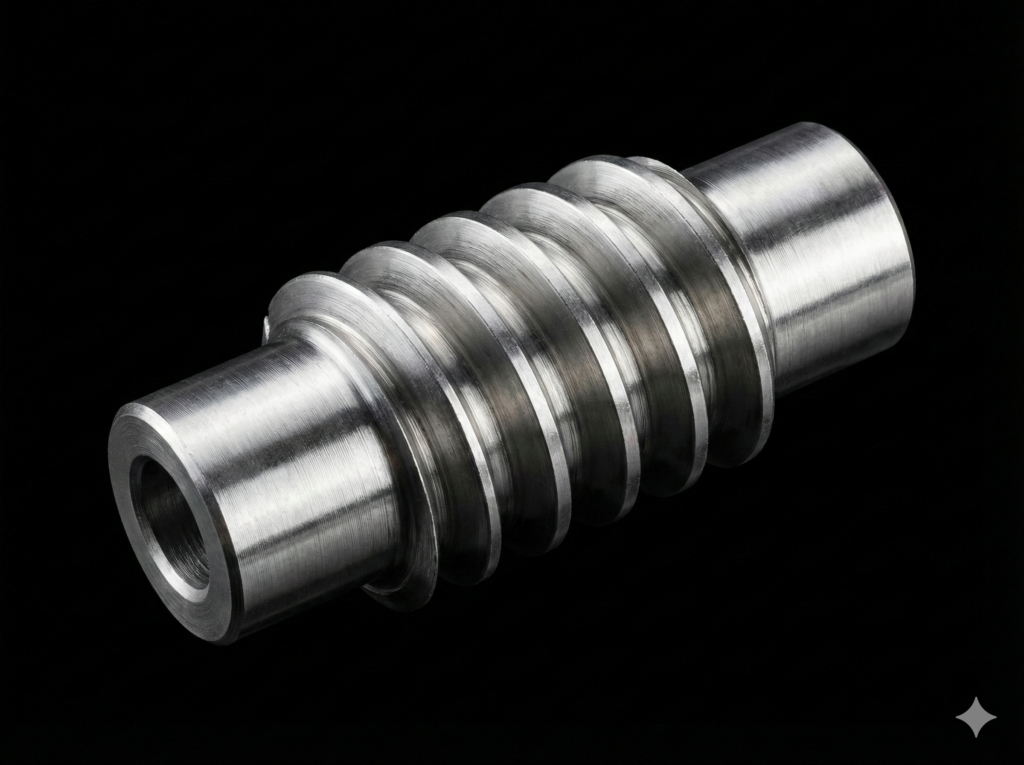
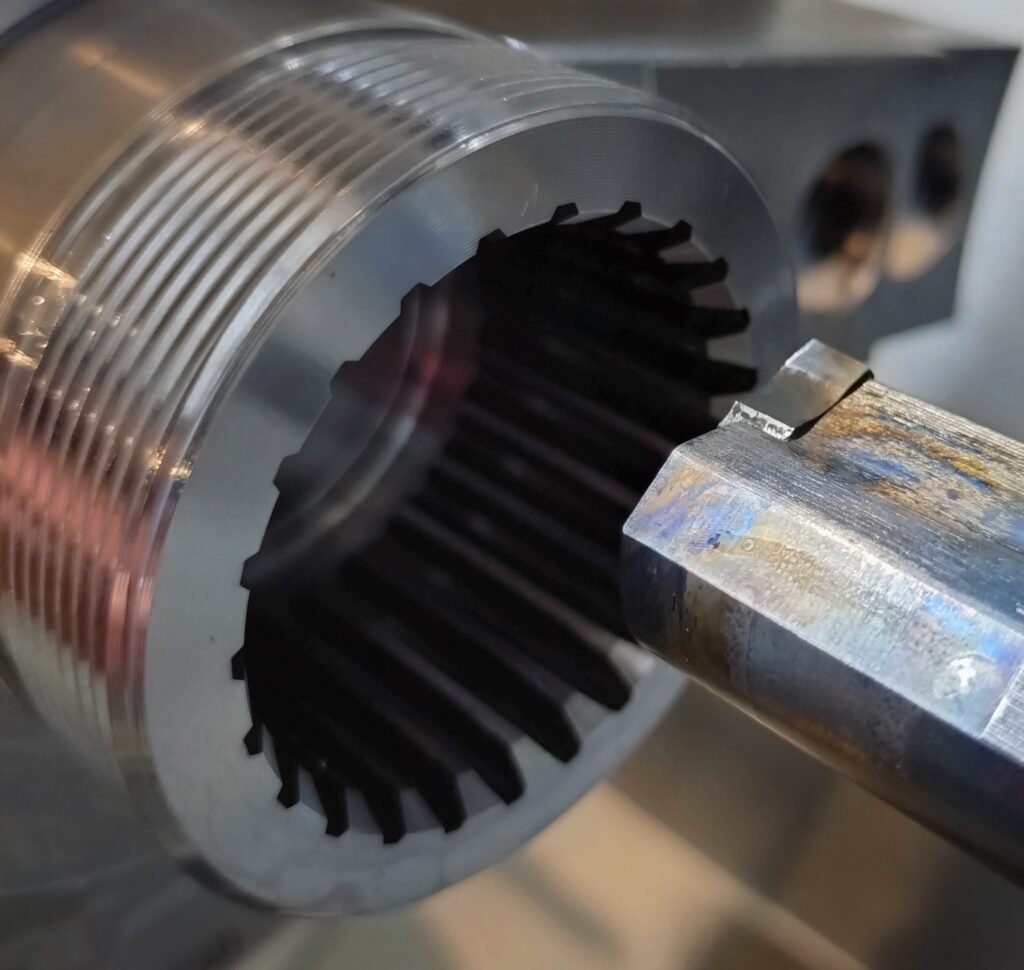
Until recently, EvoSpline NC Generator was primarily tailored for Mazak machines running in EIA/ISO format. With this latest update, the worm machining modules (both metric and imperial) have gained native integration with Siemens Sinumerik controls (including 828D, 840D sl, and Sinumerik ONE).
Implementing Sinumerik support is far more than simply changing the output file extension from .eia to .mpf or .spf. It introduces a distinct syntax structure, tool retract strategy, and axis synchronization logic for multi-start threads.
What’s New for Sinumerik Users?
1. Multi-Start Threading via G33 and the SF Parameter
While Mazak and Fanuc controls typically use the Q address to shift starting angles on multi-start threads, Sinumerik implements this in DIN/ISO using the SF parameter (Starting Point Offset):
The software calculates the angular spacing for any number of starts (from 1 to 44) and outputs them directly into the G33 blocks.
2. Tool Call Format T... D... and Safe Retract via SUPA
Sinumerik requires an explicit cutting edge selection (D). EvoSpline automatically formats the tool call list as T1 D1, T2 D2, and so on.
Additionally, tool change and clearance points are executed in machine coordinates using the SUPA command with cutting edge offset cancellation (D0). This prevents collisions regardless of active work offsets (G54–G599).
3. Variable R133 – Tooth Thickness Adjustment directly on the Control
One of the most practical additions for Sinumerik users is the integrated R133 variable:
Operators do not have to recalculate the program on a PC to tighten or loosen the backlash between the worm and worm wheel. Simply update the value of R133 in the R-parameter table on the machine control. The generator automatically embeds safe upper and lower adjustment limits to protect against gouging the opposing tooth flank.
4. Smooth Tool Infeed (G641 ADIS) and Angled Interpolation
For workpieces lacking tool relief undercuts, EvoSpline generates synchronized X- and Z-axis infeed and pull-out motions using path smoothing (G641 ADIS=0.1), eliminating severe insert impact shock upon entering solid stock.
5. Subprogram (RET) or Main Program (M30) Output
An interface toggle allows you to choose whether the code is generated as a standalone main program (.mpf ending with M30) or as a manufacturing subprogram (.spf ending with RET) suitable for calling from ShopTurn or parent workflows.
How to Switch Controls in the Application
Switching controls takes just one click:
- Open the Worms Module (Metric or Imperial).
- In the CNC Control dropdown, change Mazak ISO to Sinumerik.
- The interface automatically adapts the tool list, conceals Mazak-specific parameters (such as the Q-angle formatting toggle), and routes code output through the Siemens post-processor engine.
Try Out the New Features
The updated release of EvoSpline NC Generator is available now in the Microsoft Store. Test Sinumerik code generation on your parts using the free trial period.