When you first learn CNC programming in vocational school or during a certification course, the rules sound deceptively simple: G0 is rapid traverse, G1 is linear feed, and M3 turns the spindle clockwise. You think to yourself: “Piece of cake, I know ISO code, I can walk up to any machine tomorrow and run it.”
Shop-floor reality shatters that optimism in no time. You land in a real workshop, transfer a program proven on one lathe over to another machine, and an alarm pops up on line number one. Before long, the senior programmer tells you to unlearn half of what you were taught.
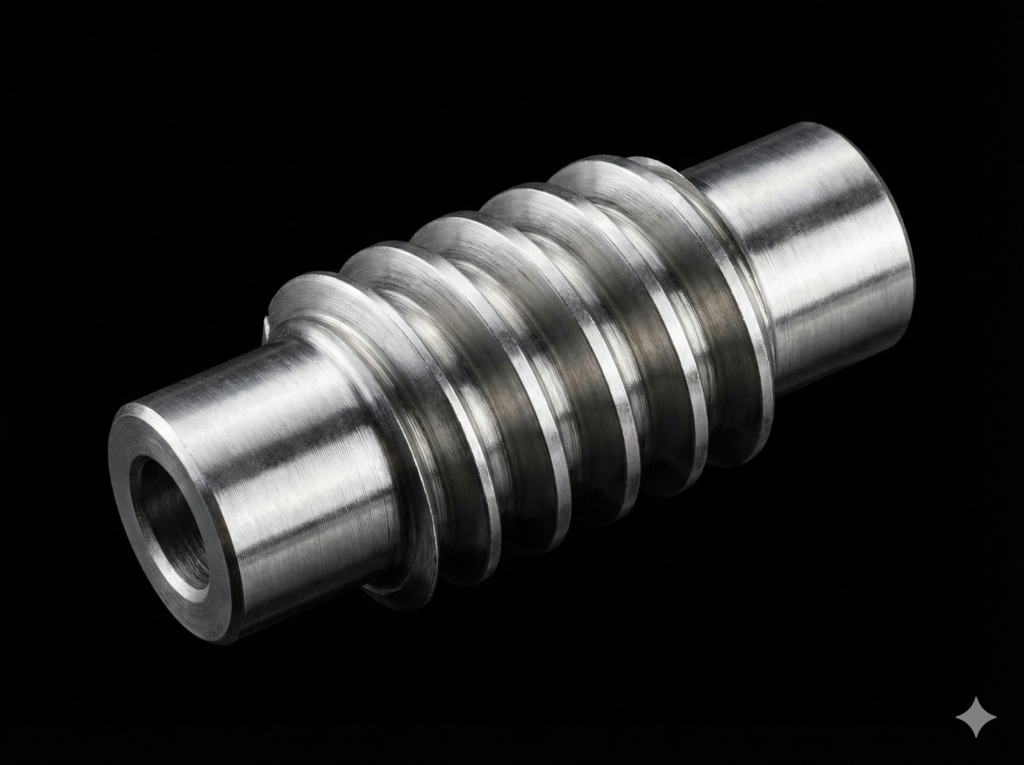
Why does this happen? Because a universal, “pure ISO/DIN standard” in metalworking is essentially a myth. Every control builder — whether it is Mazak with EIA/ISO, Siemens with Sinumerik, or Fanuc — uses its own dialect, proprietary G/M codes, and fundamentally different axis synchronization logic. These differences become painfully obvious during complex machining cycles, such as multi-pass profiling of worm threads or broaching/slotting on a lathe.
Here are the most critical differences you will encounter when moving operations between Mazak and Sinumerik.
1. Comments and Brackets: How Do You Write Them?
Comments are vital in complex NC programs — from tool descriptions to setup notes for the machine operator.
- Mazak (EIA/ISO): A comment is placed inside regular parentheses:
(COMMENT). However, when writing mathematical operations or macro variables, you must use square brackets:[#100+1]. - Sinumerik: Follows entirely different syntax. Anything placed after a semicolon
;is treated as a comment and ignored by the interpreter. Meanwhile, standard parentheses( )are reserved for arithmetic calculations and system functions:R1=R1*(2+3).
2. Threading and Worms: G32 vs. G33 and the “K” Lead Parameter
When turning Archimedean worms using standard indexable tooling (like VBMT inserts or grooving tools) via flank profiling, you need full, line-by-line control over every threading pass.
- Mazak: For single-pass threading with a constant pitch, Mazak uses G32. The lead is traditionally defined using the F address:G-Code
G32 Z-50. F12.566 - Sinumerik: In native Siemens mode, the code for constant-lead threading is G33. Crucially, for longitudinal machining along the Z-axis, the thread lead is programmed with address K (or I along the X-axis):G-Code
G33 Z-50. K12.566If you writeG33 Z-50. F...on a Sinumerik, the control treatsFas an ordinary linear feed rate rather than a spindle-synchronized thread lead!
3. Multi-Start Worms: Angular Offset Q vs. SF
When cutting 2-, 3-, or 4-start worms, the entry angle of the spindle must be indexed for each consecutive thread start:
- Sinumerik (Parameter SF): Siemens keeps it completely transparent. You use the
SF=(Starting Point Offset) parameter with values specified in decimal degrees:- 1st start:
SF=0 - 2nd start (for a 2-start worm):
SF=180.0 - 2nd and 3rd start (for a 3-start worm):
SF=120.0,SF=240.0
G33 Z-50. K12.566 SF=180.0 - 1st start:
- Mazak (Parameter Q and the Machine Parameter Trap): Mazak uses address
Q. For example:G-CodeG32 Z-50. F12.566 Q180000Beware of the parameter trap: Depending on machine configuration and internal parameters (most commonly F167 bit 0), Mazak interpretsQin one of two formats:- Decimal degrees:
Q180.0000 - Thousandths of a degree:
Q180000(no decimal point; 180° = 180,000 units).
- Decimal degrees:
4. Tool Calls and Program Structure: T0101 vs. T1 D1 and M99 vs. RET
Fundamental syntax blocks also diverge substantially:
| Function | Mazak (EIA/ISO) | Sinumerik |
| Tool Call | T0101 (4 digits: Tool No. + Offset No.) | T1 D1 (Tool T and Cutting Edge D separated) |
| Master Spindle | Default | Frequently requires SETMS(1) |
| Main Program End | M30 | M30 |
| Subprogram End | M99 | RET |
If you write a parametric macro or a thread profiling cycle called as a subprogram (e.g., called from Mazatrol via EIA SUB), Mazak expects M99 to return to the parent program. Putting RET there causes a syntax alarm. On Sinumerik, using M99 will either stop execution or loop indefinitely instead of cleanly returning to the master routine.
5. How to Handle This Without Writing Everything by Hand?
Manually recalculating insert contact points for every pass of a worm thread, tracking tip corner radii, and constantly converting syntax between G32/Q/G53 and G33/K/SF/SUPA D0 takes hours. A minor slip-up in Mazak’s Q-format or forgetting Sinumerik’s K-address can ruin an expensive workpiece or wreck an insert.
That is why I created EvoSpline NC Generator.
Developed in C# and WinUI 3 (Windows App SDK), this software was built specifically for CNC machinists and manufacturing engineers who deal with these discrepancies daily:
- Dedicated Worm Modules (Metric & Imperial): Simply enter your core dimensions (module or DP/CP, outside diameter, number of starts, pressure angle). The software computes lead, helix angle, and allowances on the fly, generating ready-to-run profiling cycles for VBMT or grooving inserts.
- Dialect Switching in One Click: Select Mazak or Sinumerik from the dropdown. The generator automatically rebuilds the NC syntax:
- For Mazak: formats
G32,F,G53, and respects your machine’sQangle format (decimal vs. integer thousandths). - For Sinumerik: generates
WHILE/ENDWHILEloops,G33syntax, addressK,SF=offsets, and safe retracts viaSUPA ... D0.
- For Mazak: formats
- Dialect Switching in One Click: Select Mazak or Sinumerik from the dropdown. The generator automatically rebuilds the NC syntax:
- Relief-Free Entry and Exit: If your shaft has no thread relief groove, the generator automatically calculates ramp-in and ramp-out motions at synchronized compound angles across X and Z.
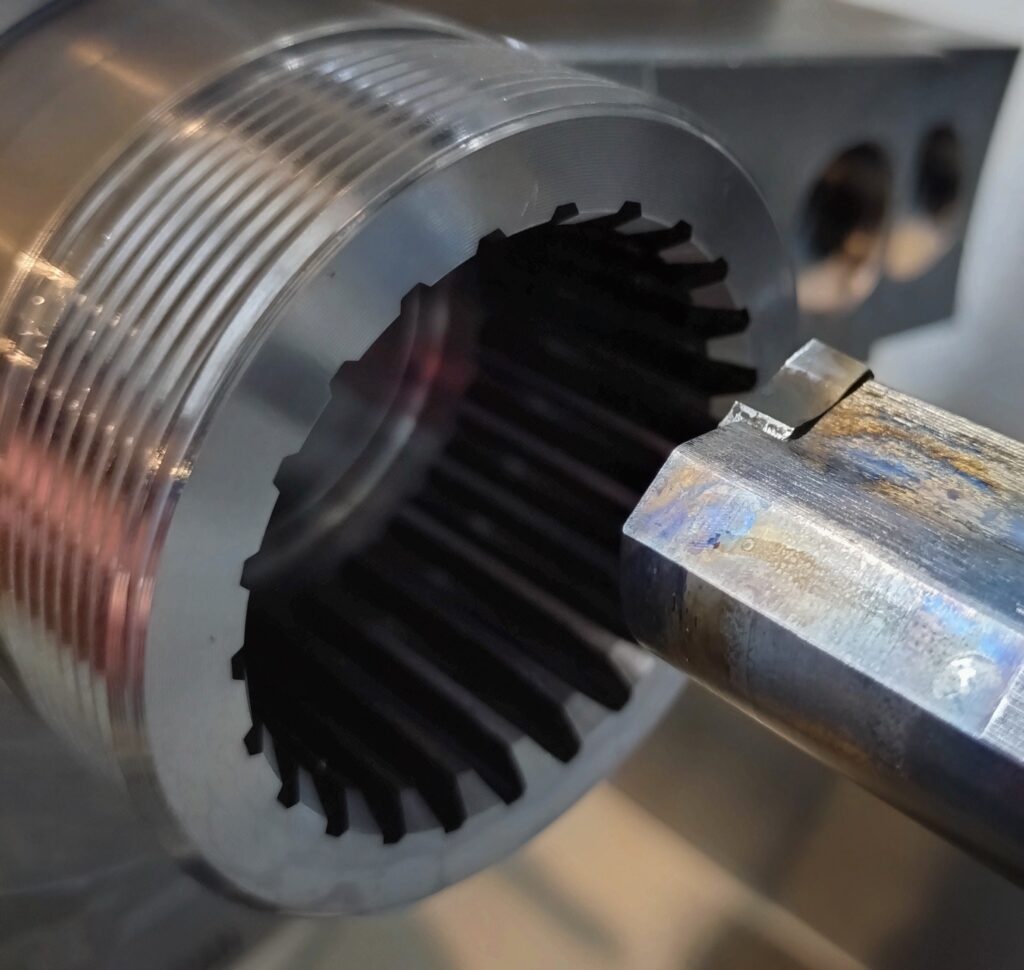
- Lathe Slotting Module: Generates precise broaching and slotting code for internal keyways and external splines. It automatically detects ID vs. OD machining and provides spindle positioning options: full C-axis or
M19angular orientation for machines without a driven C-axis.
Instead of fighting control syntax quirks, you can focus on optimal cutting parameters and let the generator handle dialect-specific NC code.
EvoSpline NC Generator is available on the Microsoft Store with a free version and a full 7-day PRO trial.
Technical guides and detailed documentation are available at evospline.com.